Sebsite
CNC machining
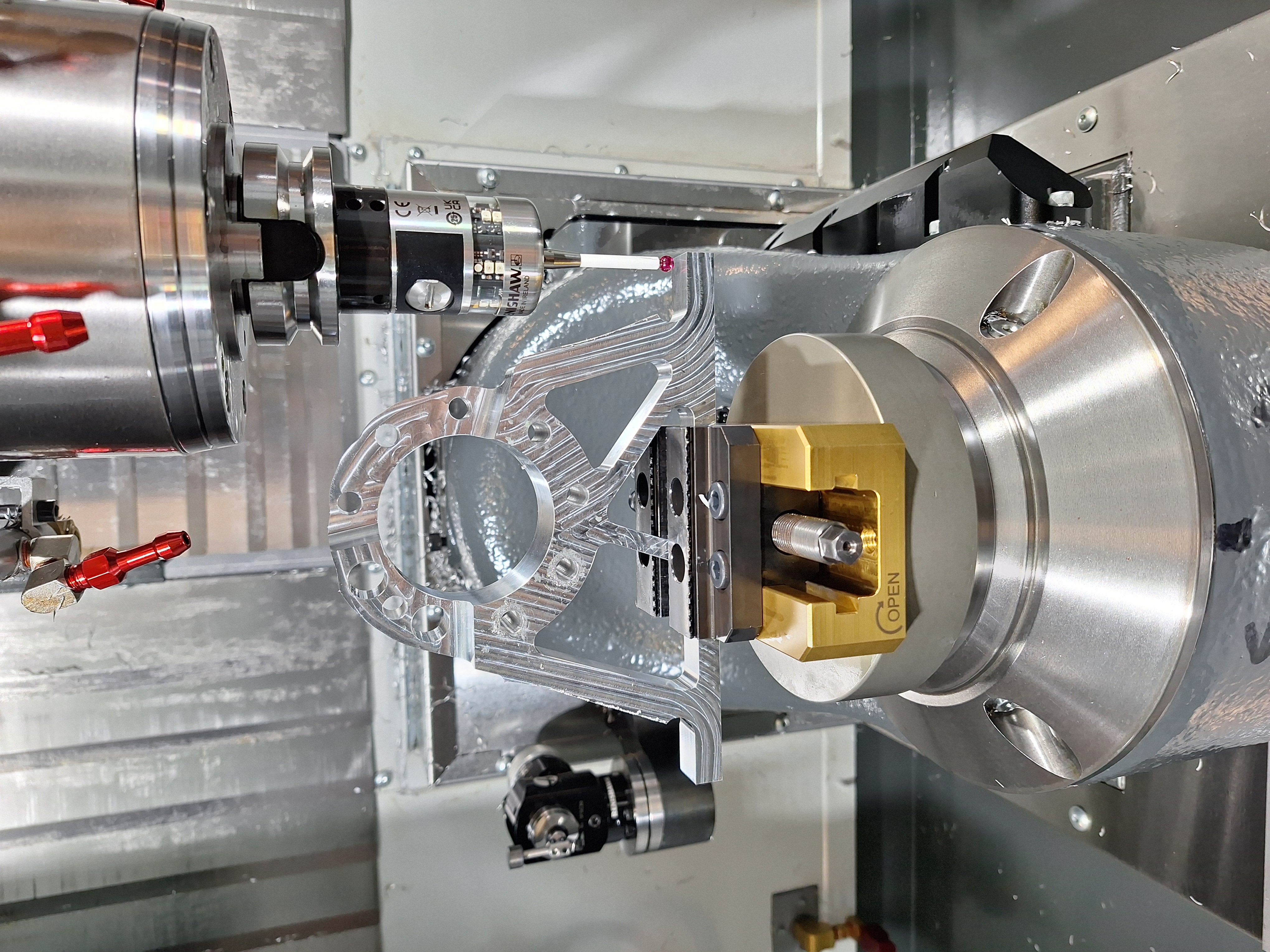
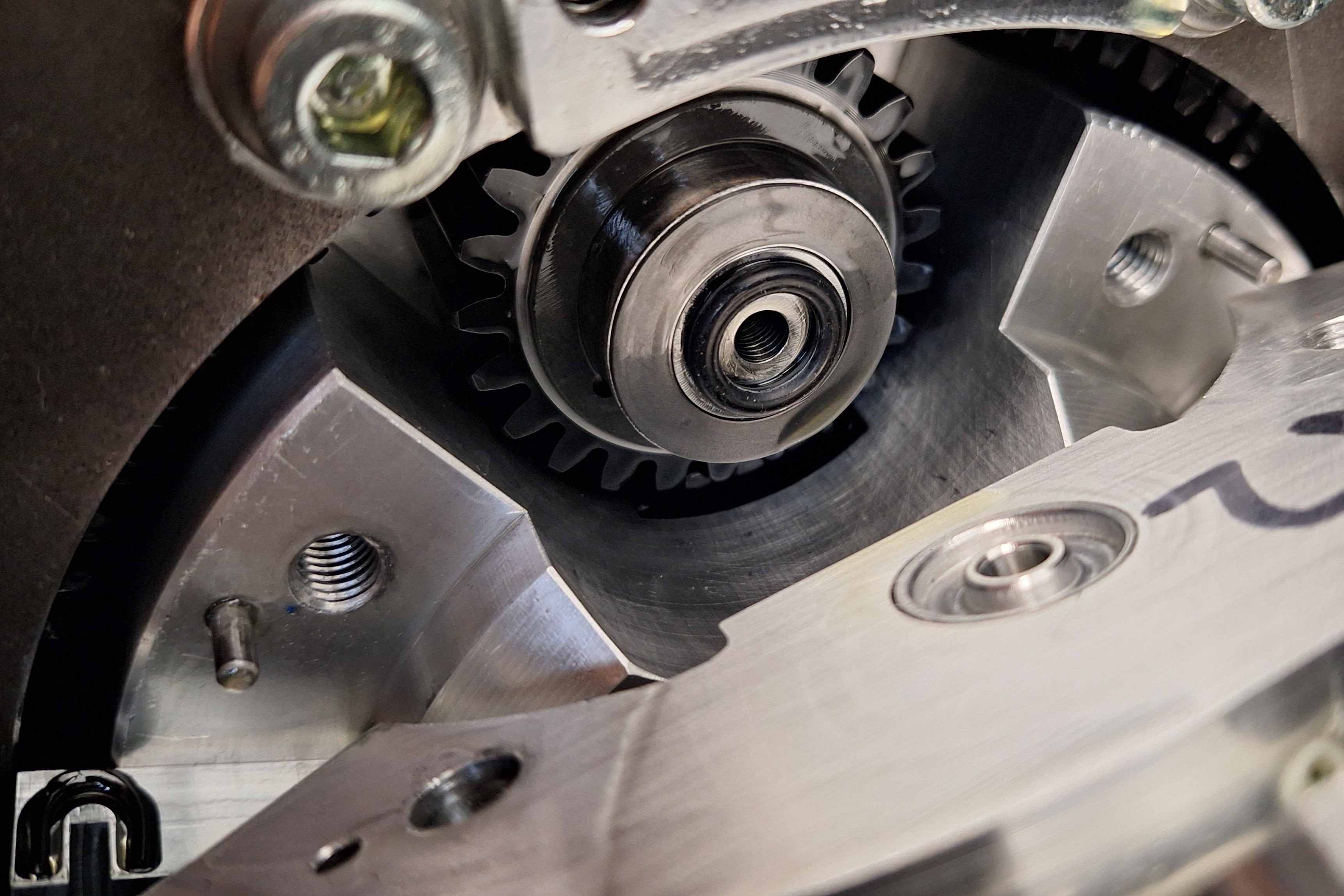
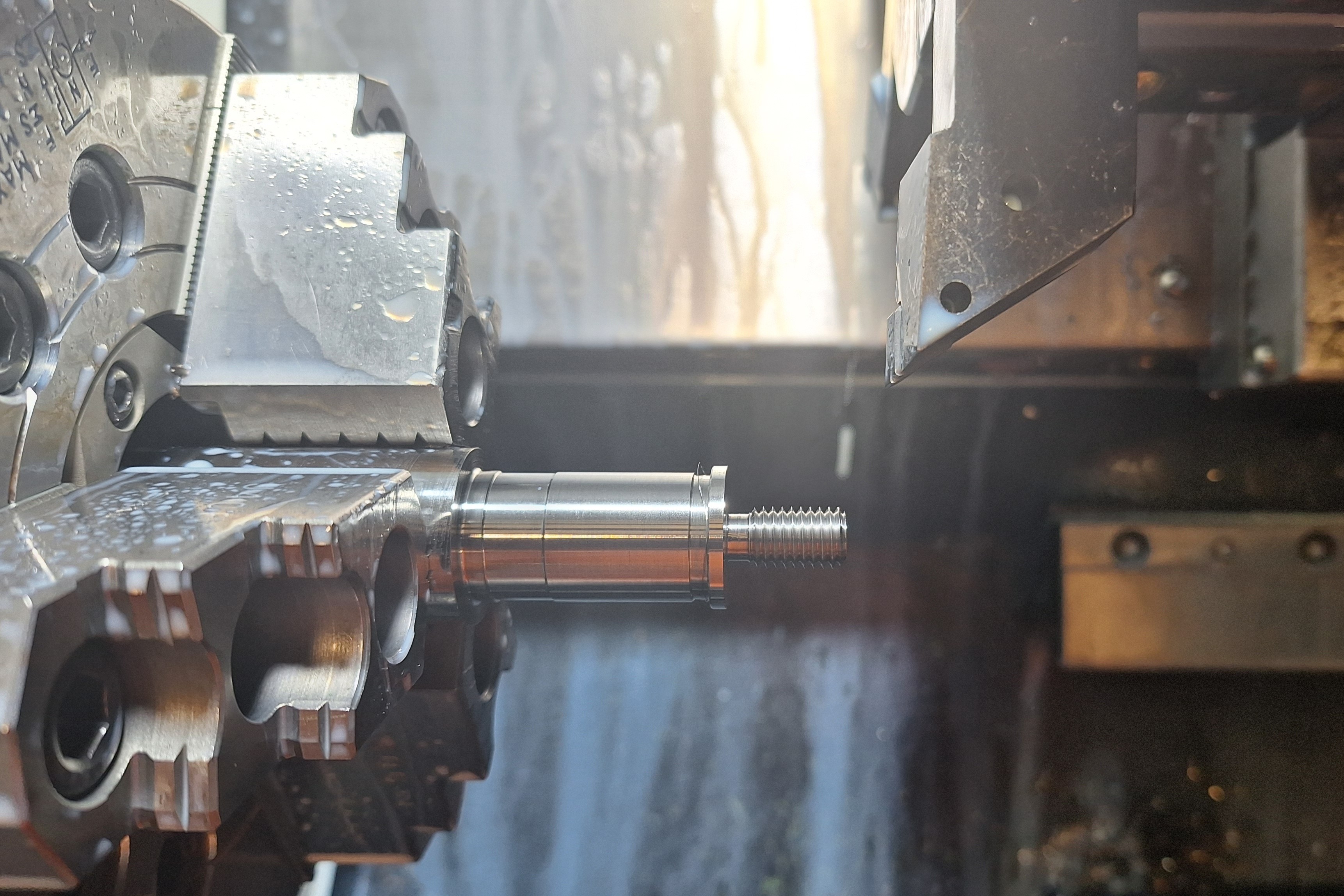
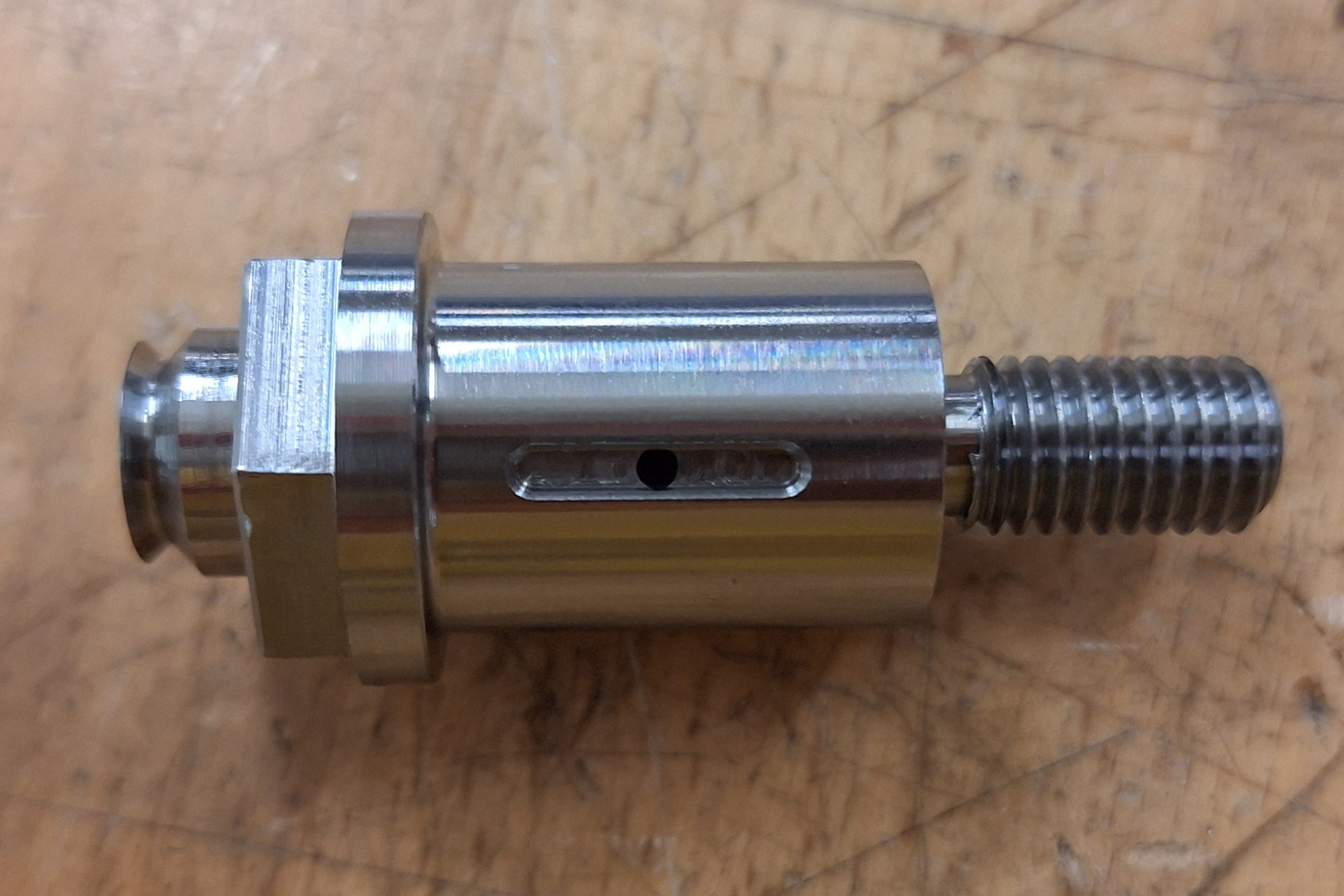
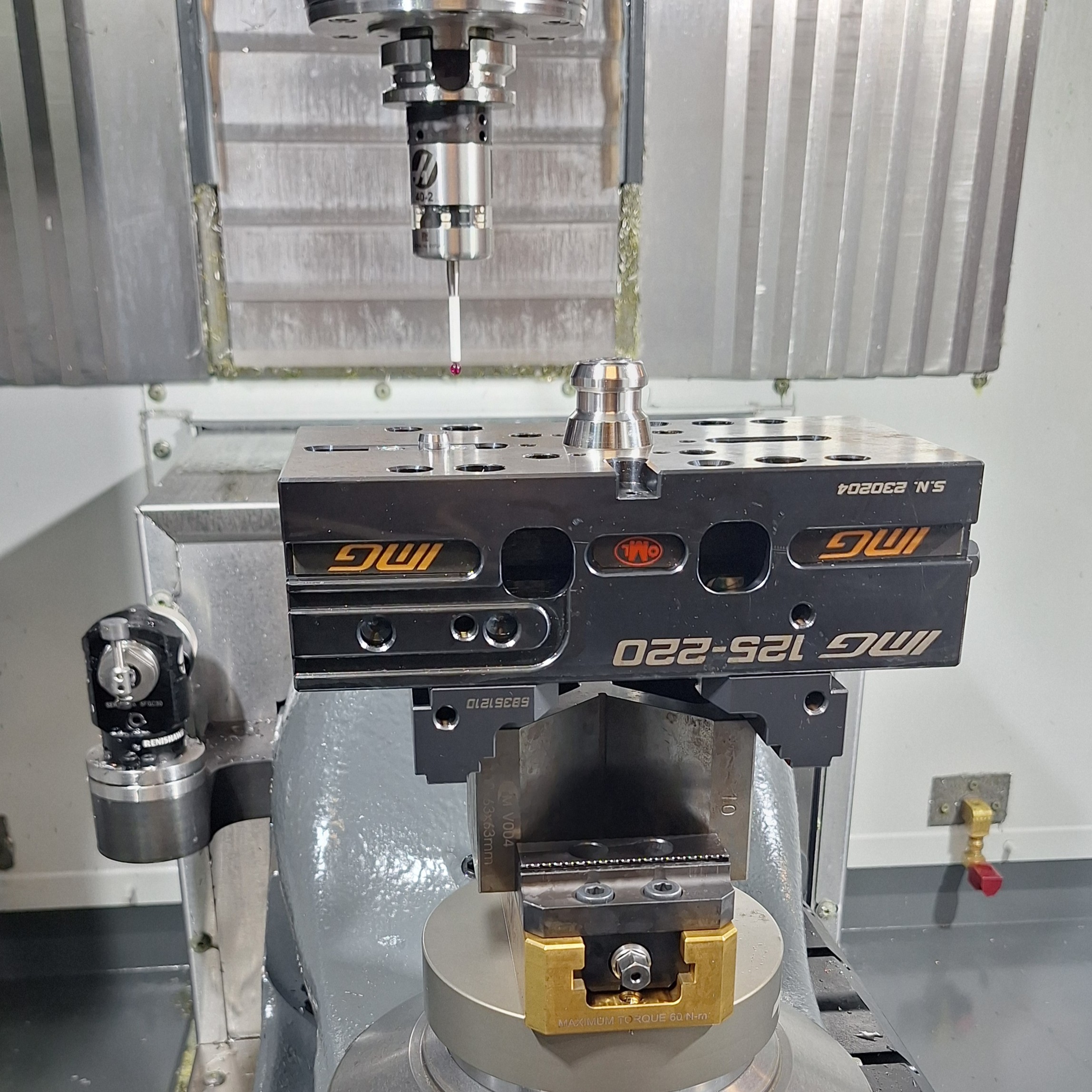
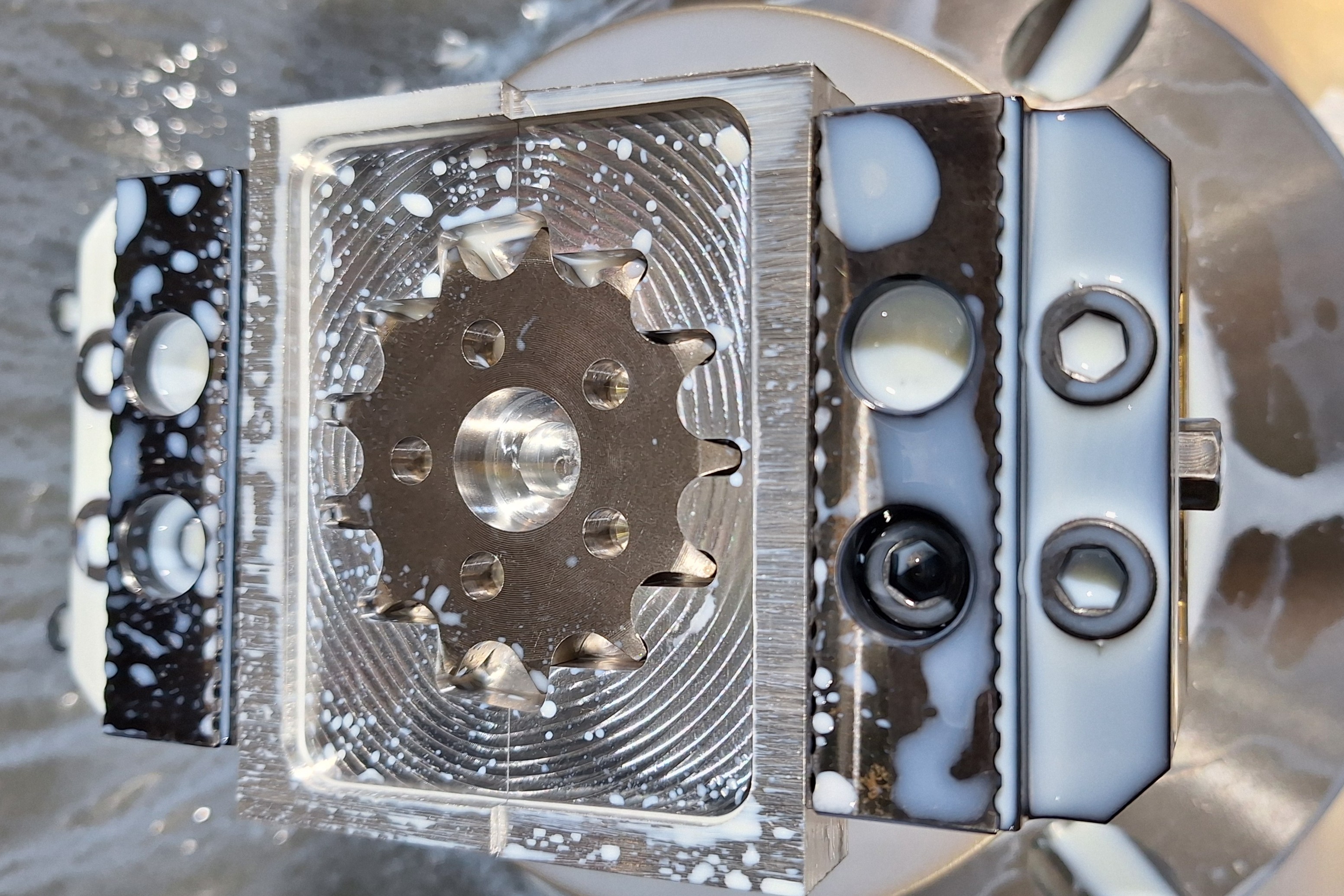
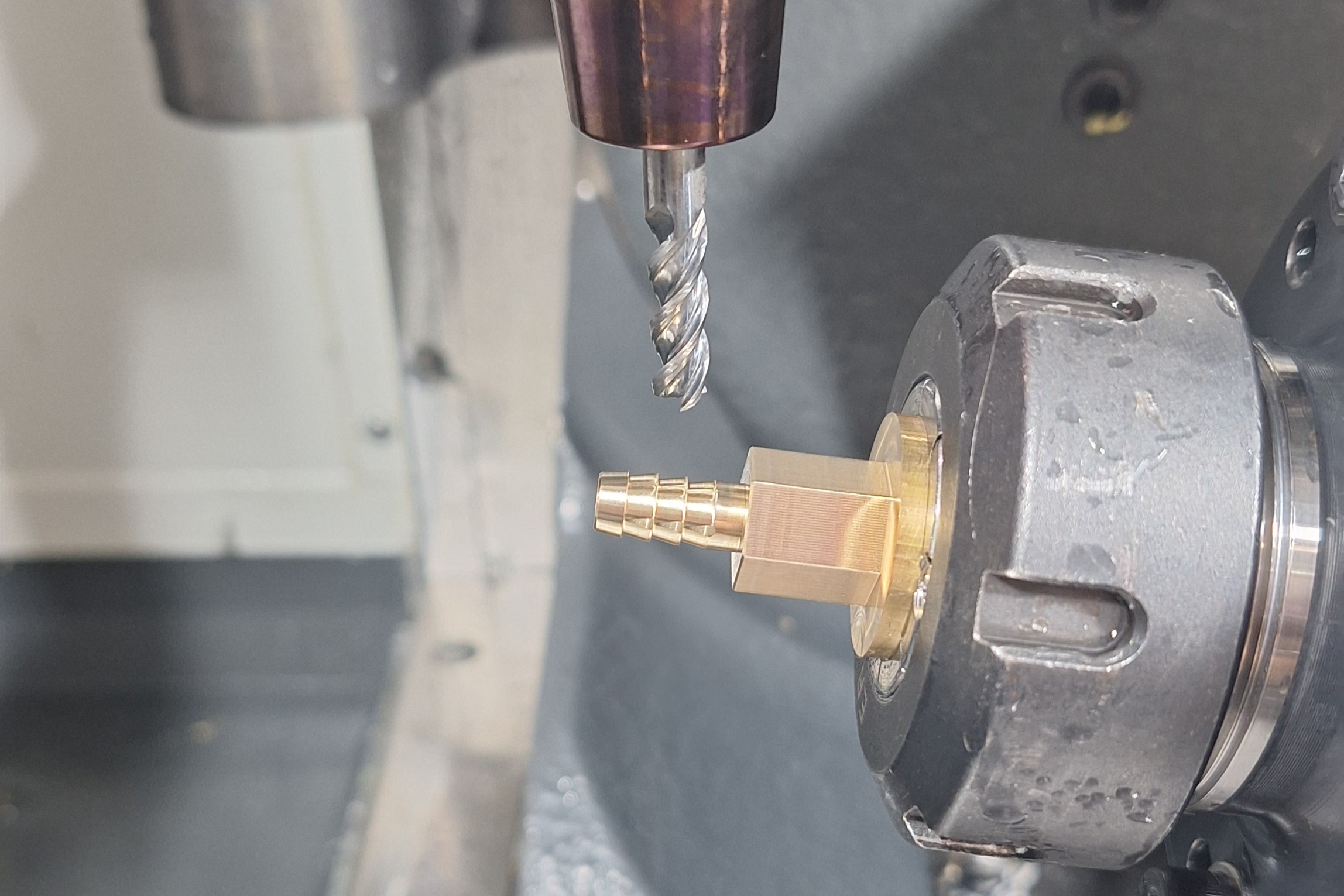
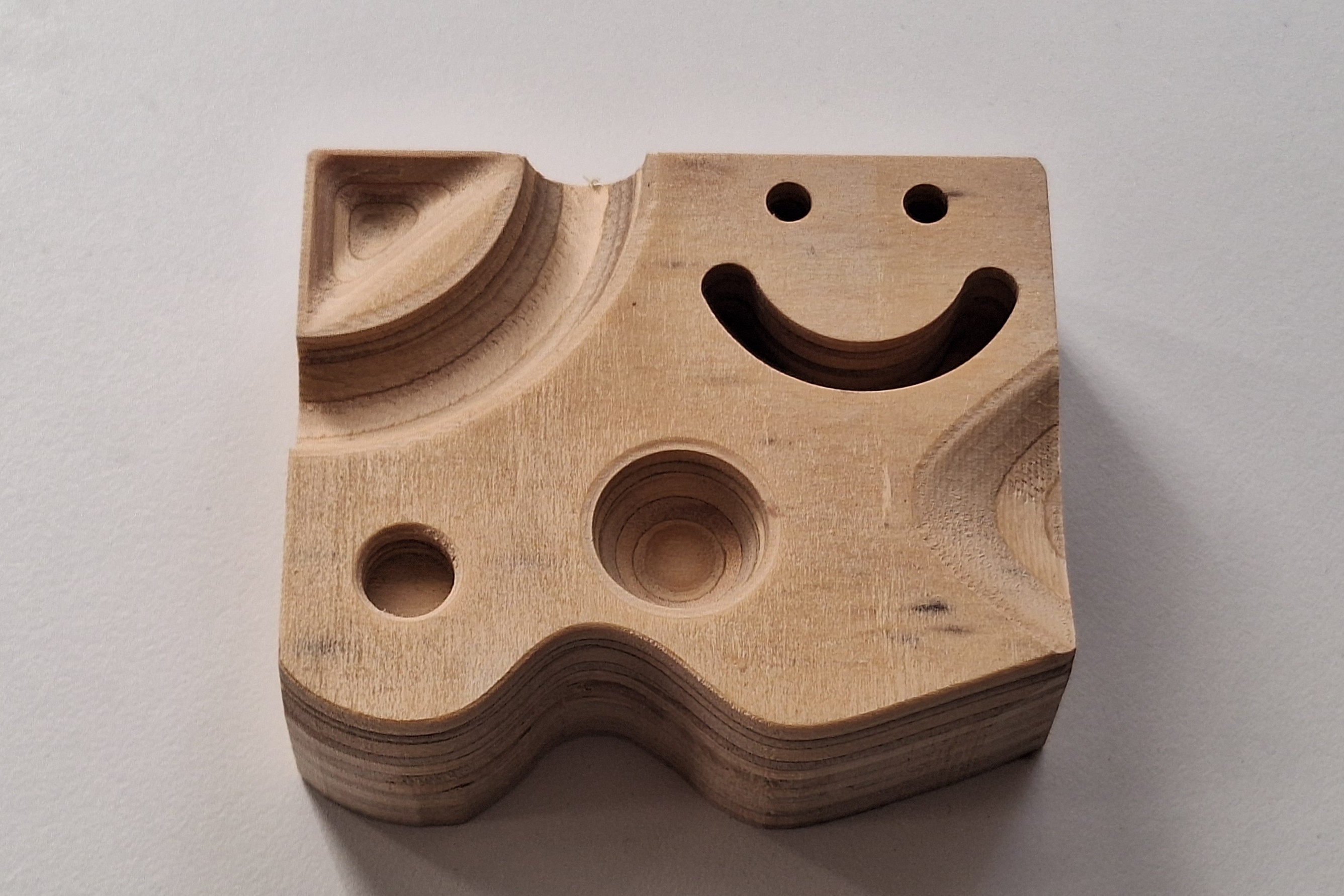
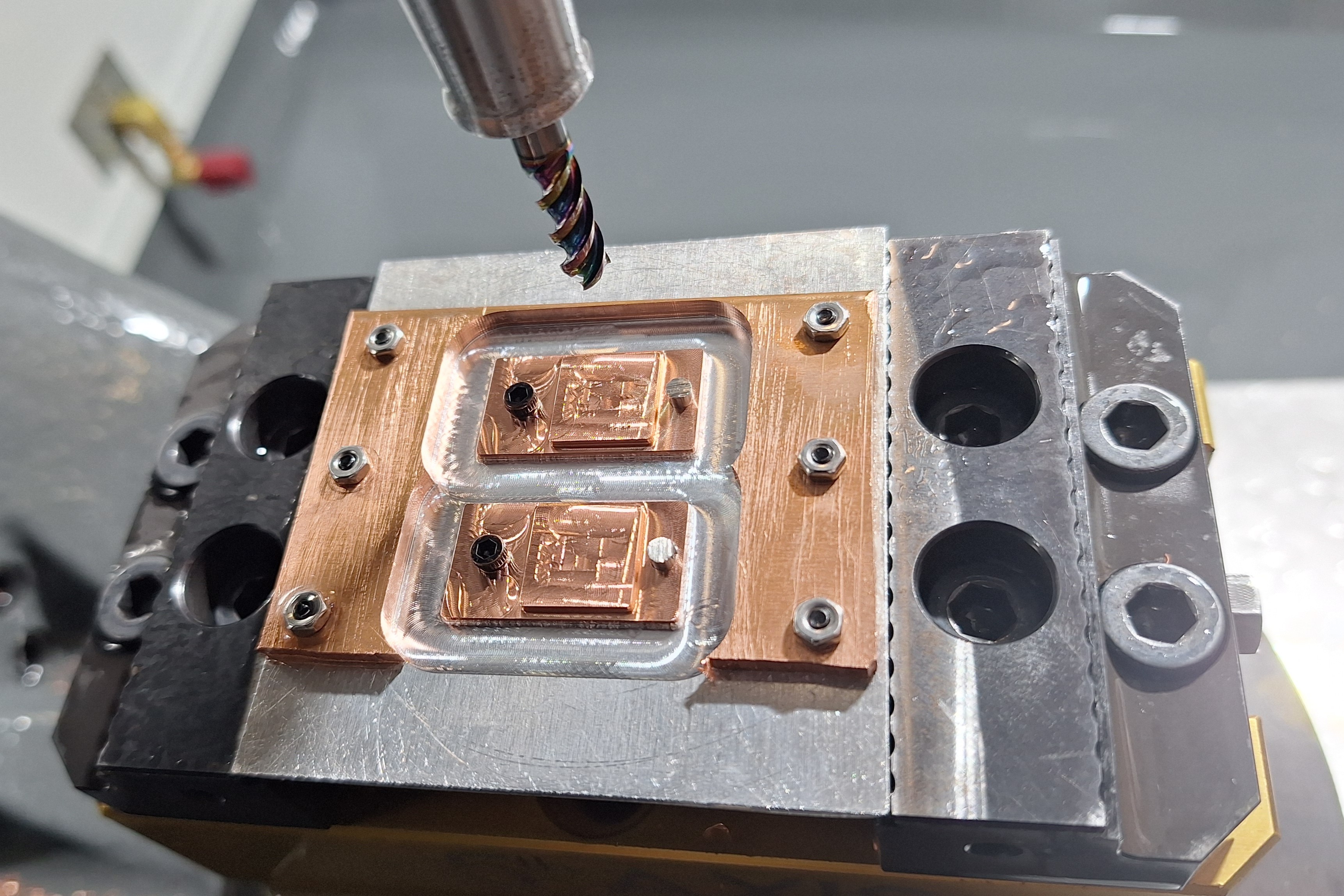
I learnt CNC machining in 2020 and it has become one of my most valuable skills! CNC machining is a computer controlled process where a cutting tool moves through solid material to cut out the programed part. I started machining wood on routers, and have progressed up to machining tool steels on a 5-axis mill and turning bearing shafts on a CNC lathe. I have machined parts for many personal projects, Redback Racing, my thesis, and chess board.
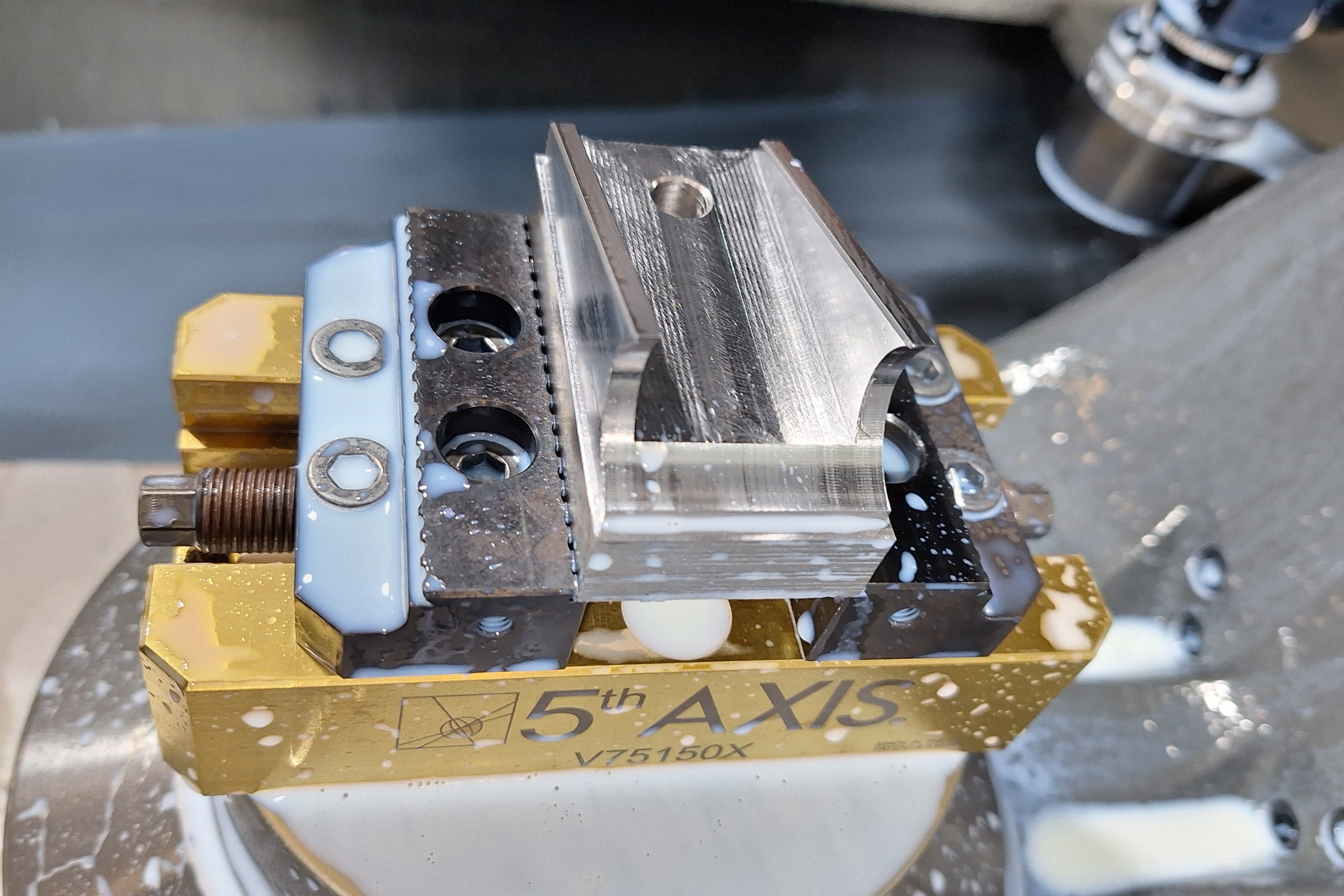
I work at UNSW designing and making parts for researchers, which has greatly expanded my skills! Researchers always seem to want massive or tiny parts and they often have unusual material requirements. The largest part was bigger than the working volume of the machine and required rotating halfway and the most detailed parts required 0.2mm endmills, which is the size of 2-3 human hairs. I have machined materials including rubber, tool steel, teflon, and foam.
I also enjoy teaching CNC machining to students at the Kirby Makerspace where I run machine inductions for our Tormach, Symbiosis and HAAS 3- and 5-axis machines. I wrote the CNC inductions for several machines: students have to program a part designed to teach them about different toolpath strategies. I also got to write the advanced learning material for students which covers feed and speeds, probing, tooling and other essential knowledge in depth.
Gallery
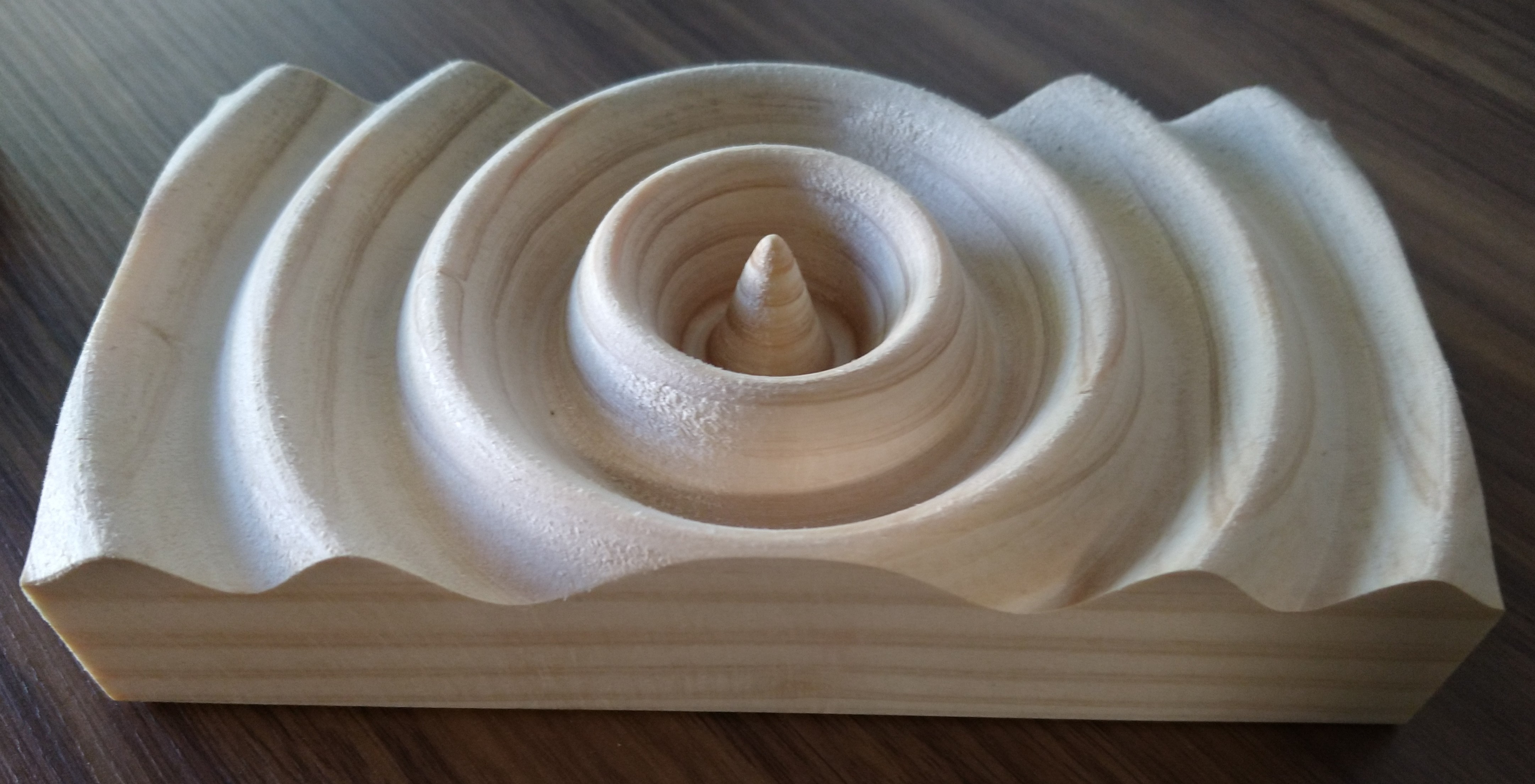
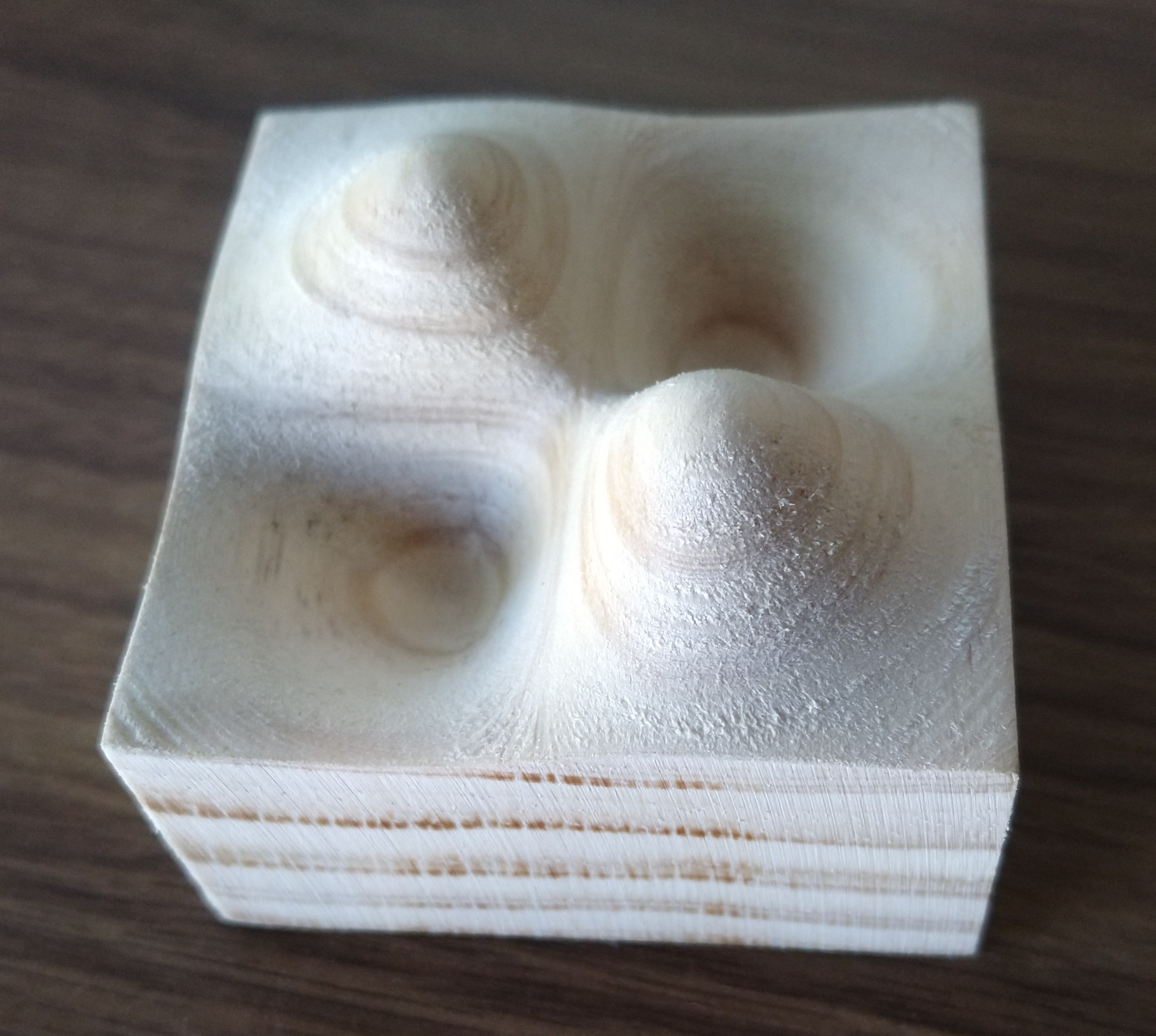

PLA high pressure mould
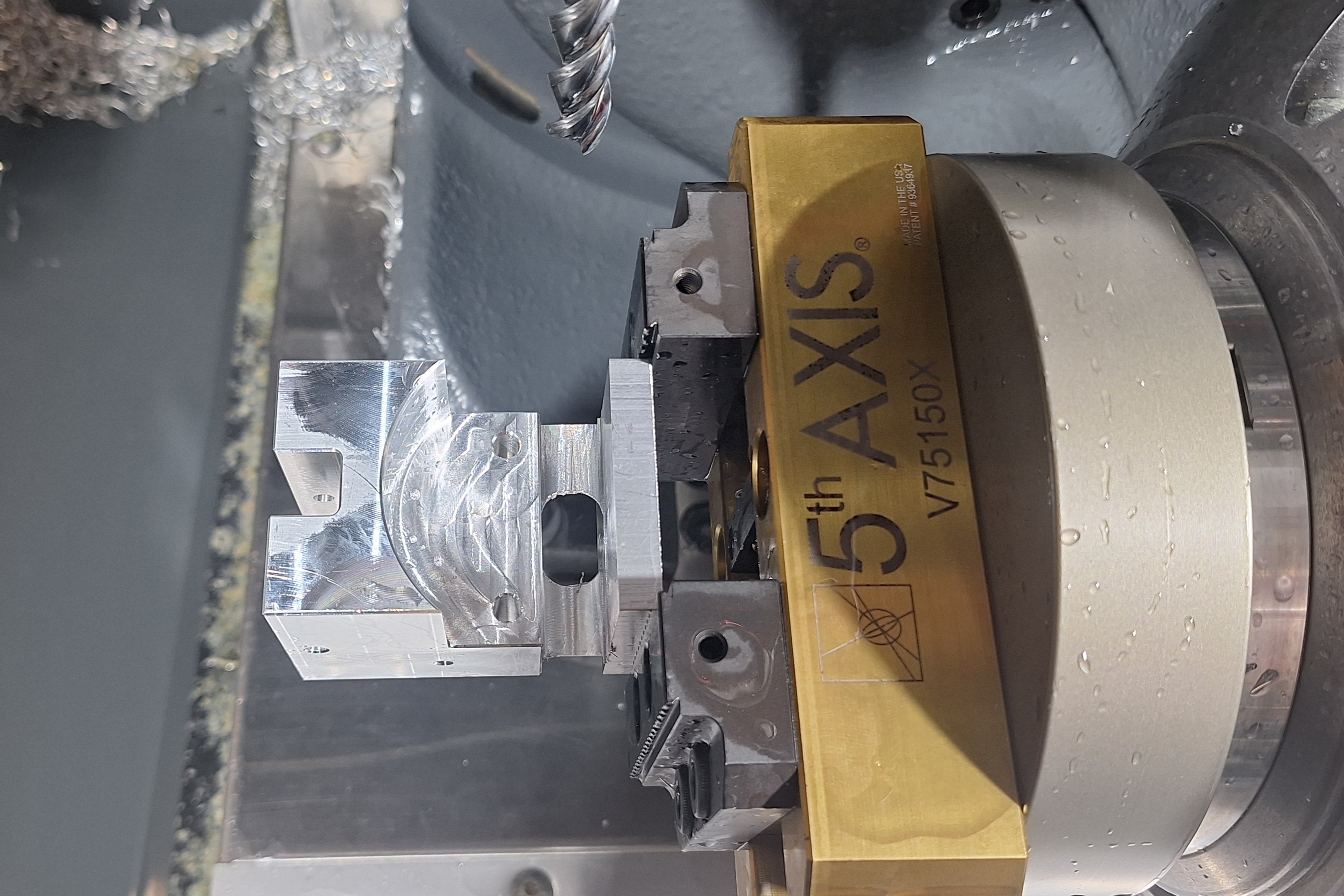
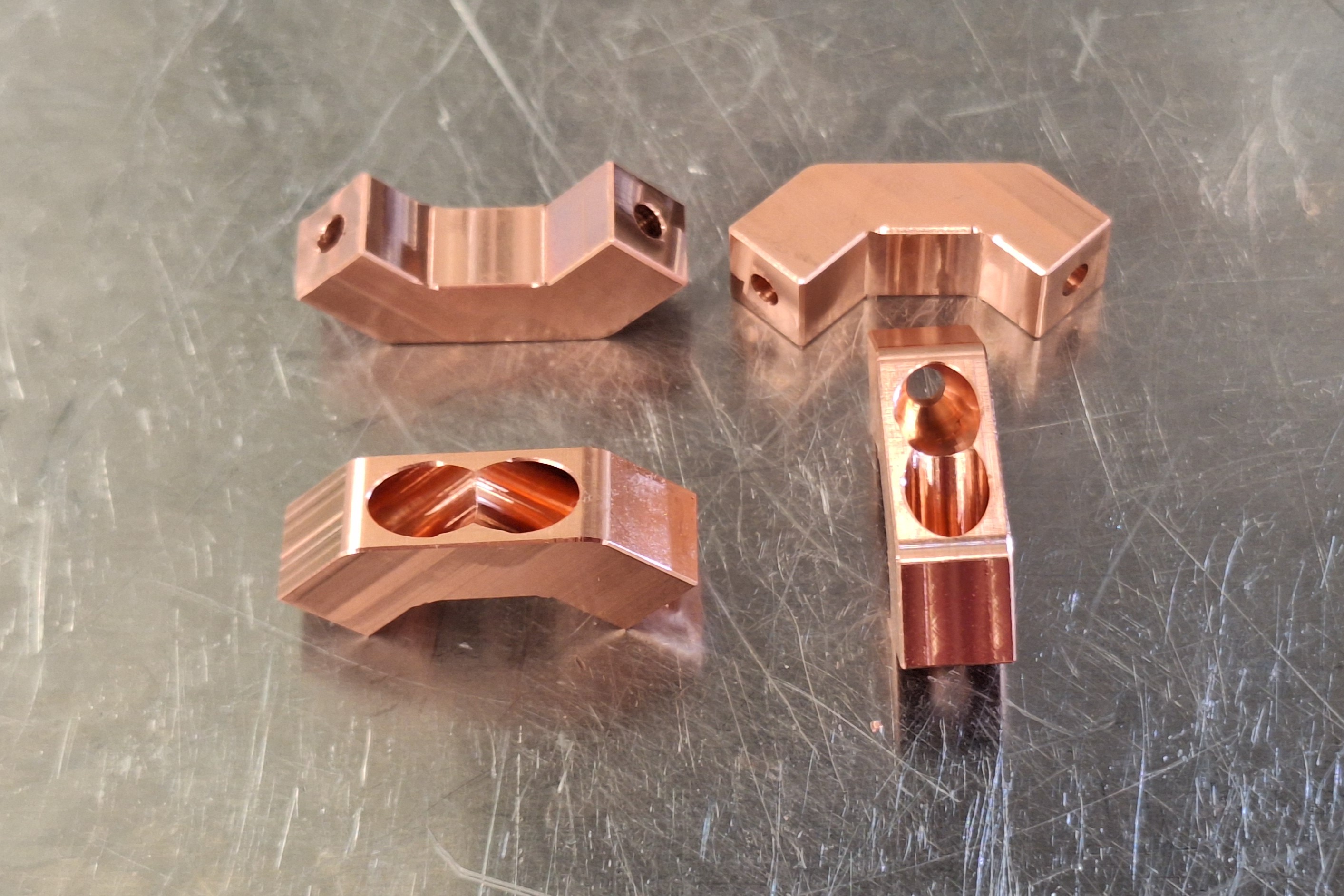
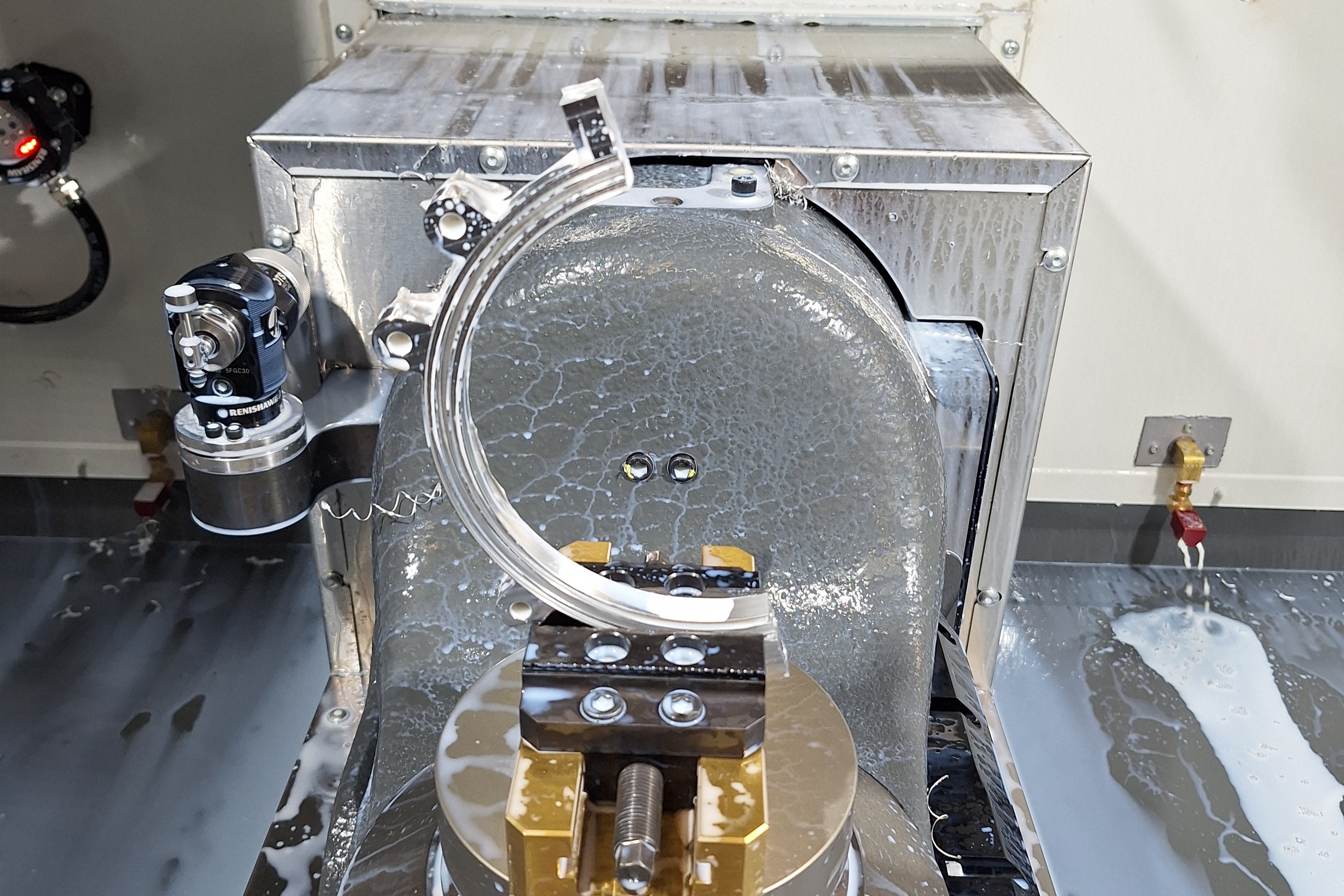
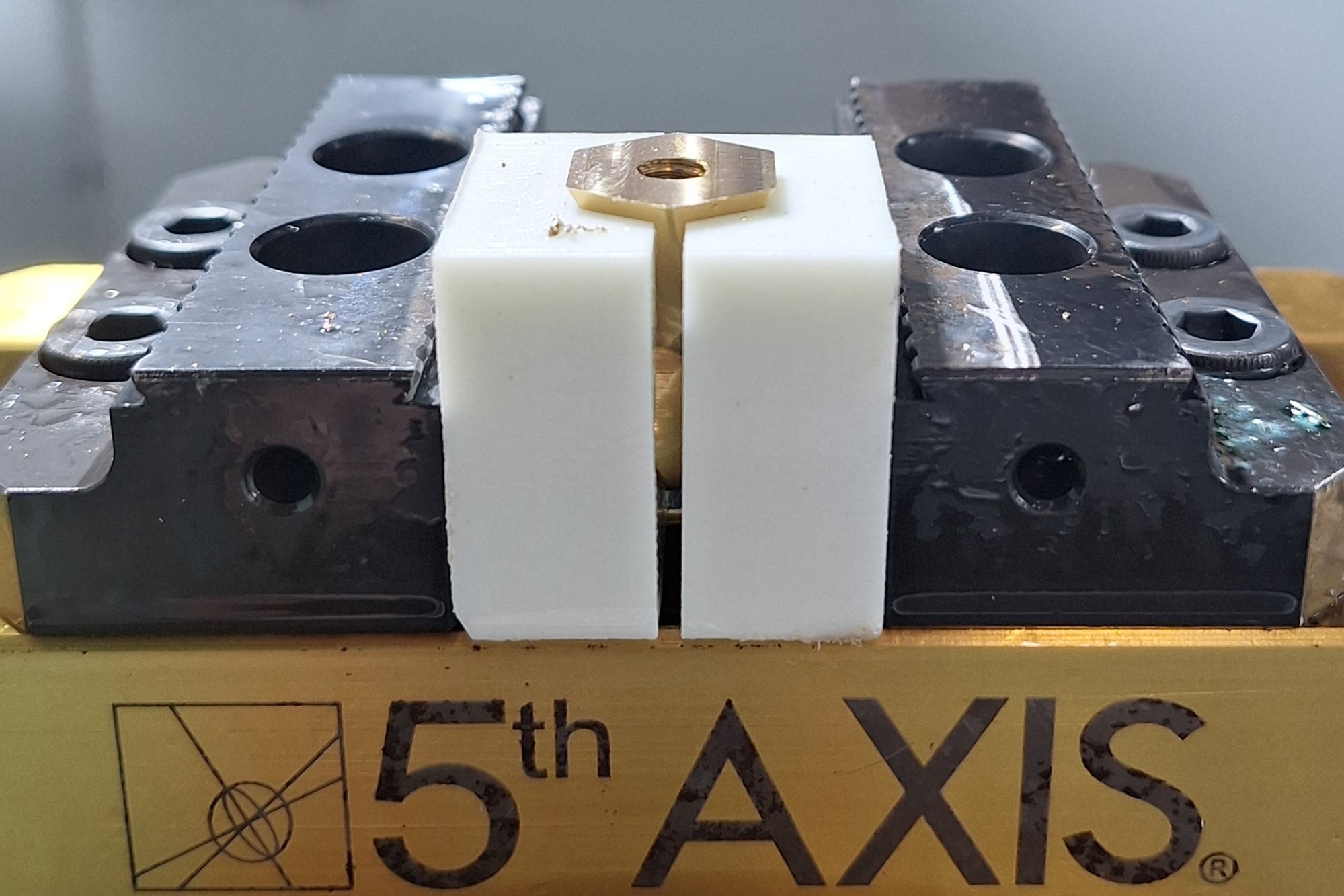
I manufactured a large 6-piece mould for high temperature pressing of PLA composites sheets. The mould was so large that it barely fit into the machines available (which are pretty small). I was able to make the side panels on the 5-axis, which allowed me to drill holes and machine from 3 different directions at once.
This was my first time using a high feed mill, and it worked perfectly. High feed mills change the shape of the chip which allow for a much faster feed rate. They also alter the direction of the cutting force from horizontal to mostly vertical which reduces the bending force on the cutter.
Injection mould
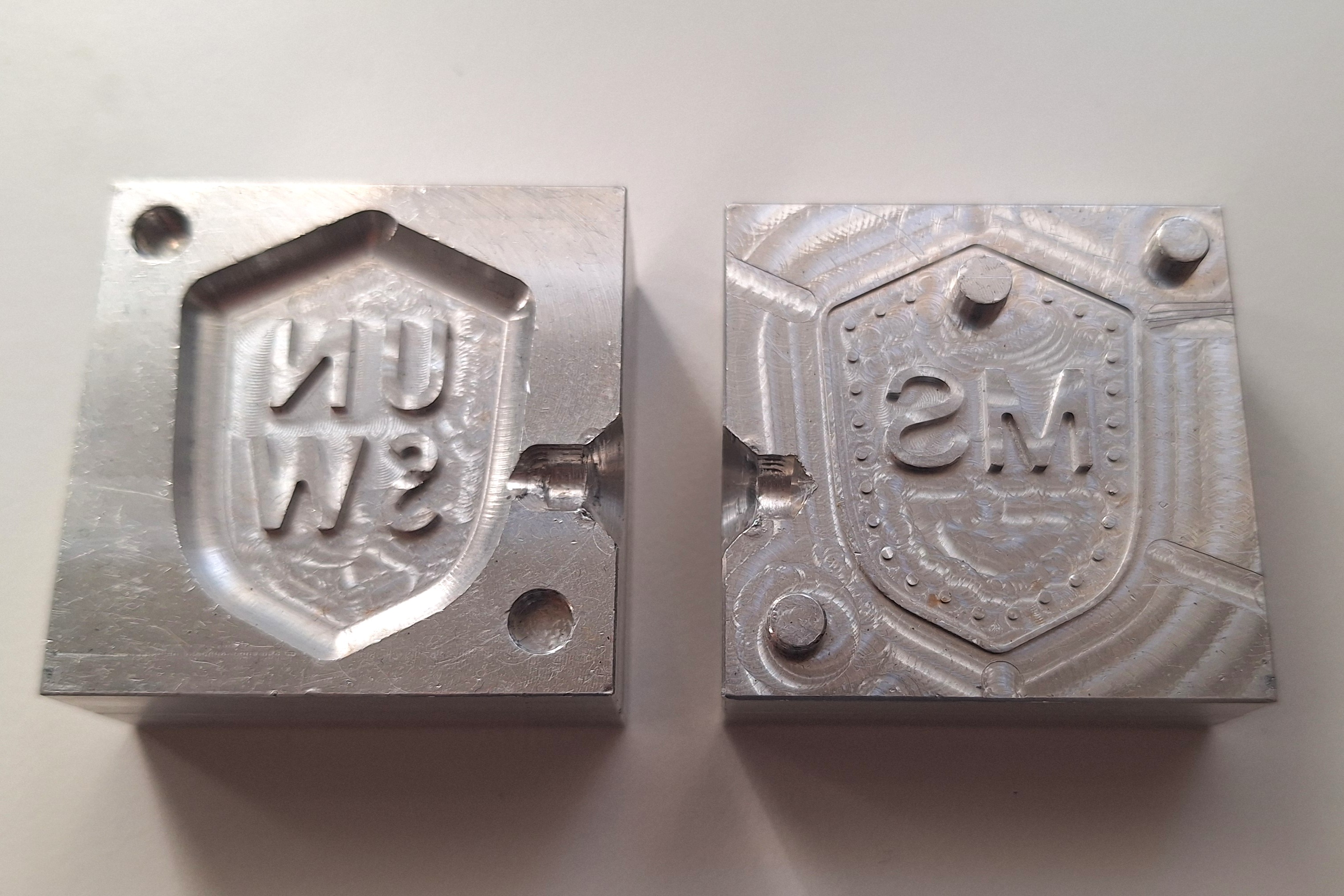
To learn more about injection moulding I designed and made a small injection mould for a keychain badge. I designed it with a large fillet on the inside to replace a draft angle, because we didn't have any tapered tools. Some of the small details had straight sides but didn't grip too strongly to the plastic because they were below 0.5mm height. I also cut shallow air channels between the cavity and outside to allow venting when the plastic is injected.
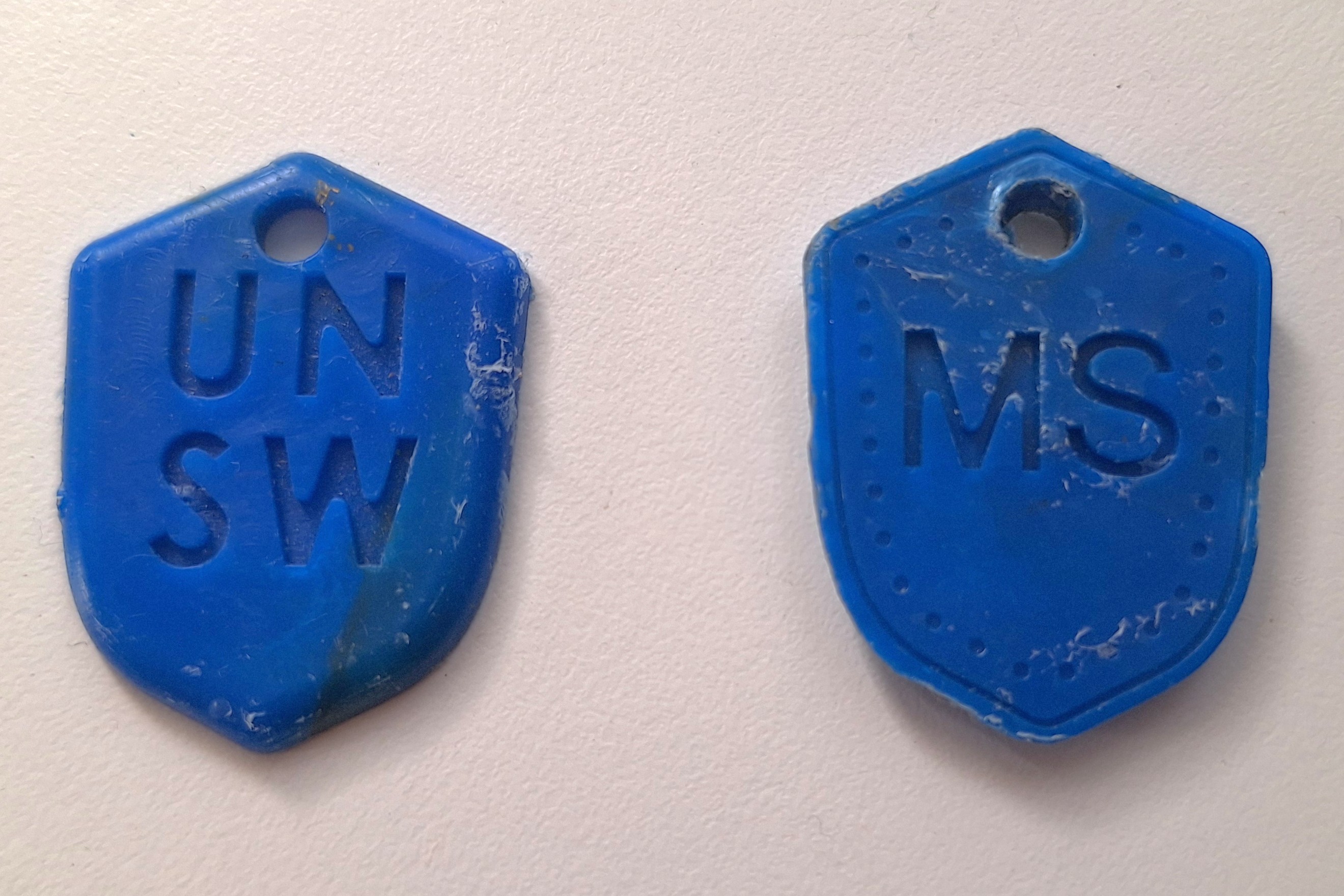
The mould worked well, but we only had a desktop injection machine which didn't generate much pressure and struggled to clamp the mould together. This often caused plastic shots to only fill half the mould or spill plastic out the sides of the mould.
Acrylic bearing mounts
During a final year course at UNSW students design and make stirling engines where they make most of the simple parts, and I helped make the harder parts for them. I made this video to show them the manufacturing process their parts go through. The students design acrylic bearing mounts, which get laser cut then I enlarged the bearing holes for a precise press fit. I also drilled and threaded side holes so that set screws could be used to fix some components in place.
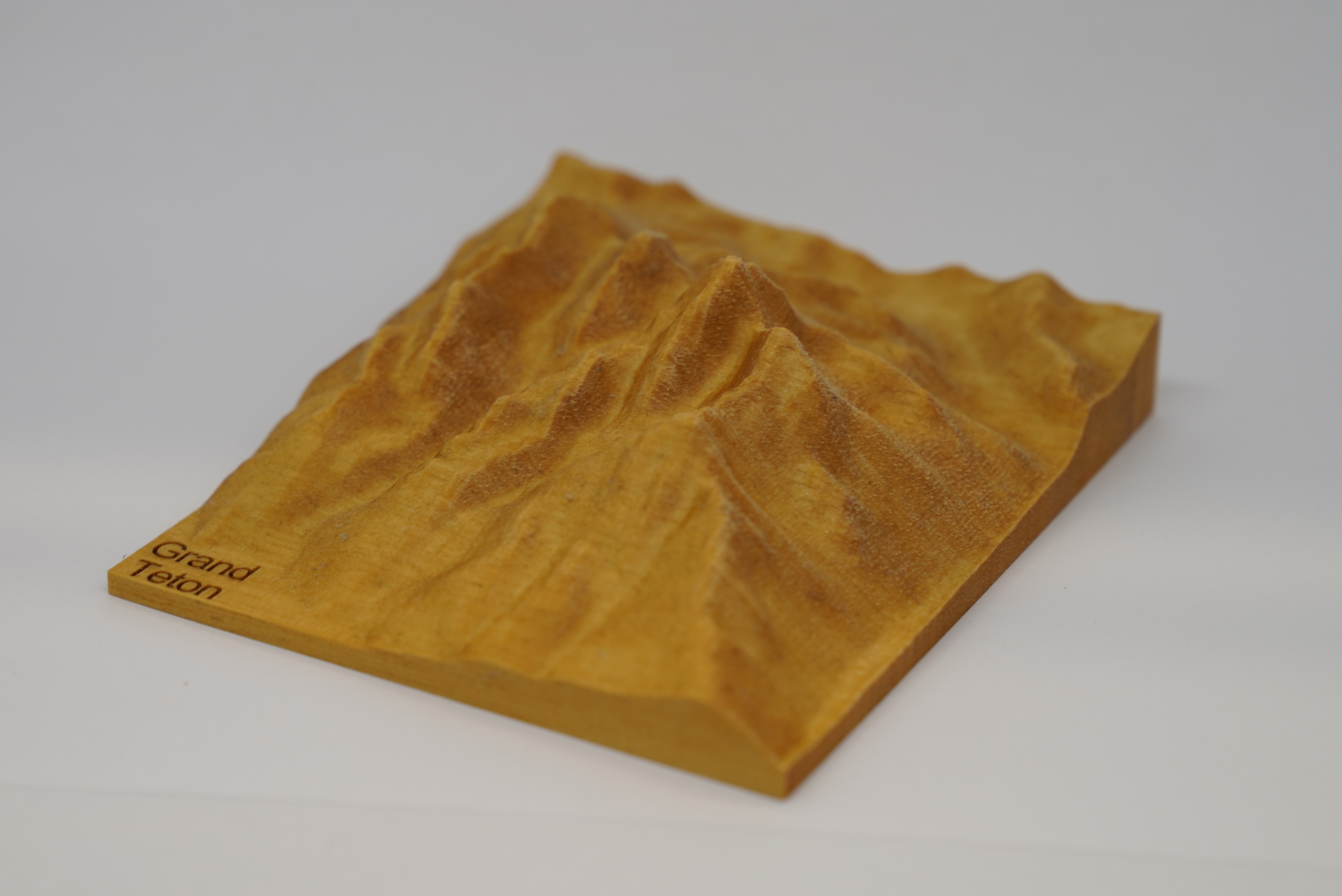
Grand Teton
The Grand Teton is a mountain in Wyoming where I used to live and I made this model for my father, because he climbed it. I machined it with enough stepovers that the STL texture is more visible in the wood that the toolpath! You can download STL files (like the one below) of any location in the world.